Daily call sheets
Building, issuing, revising, and knowing who has actually read it.
A production call sheet is the document for one shoot day: who is called, when, where, and what is being shot.
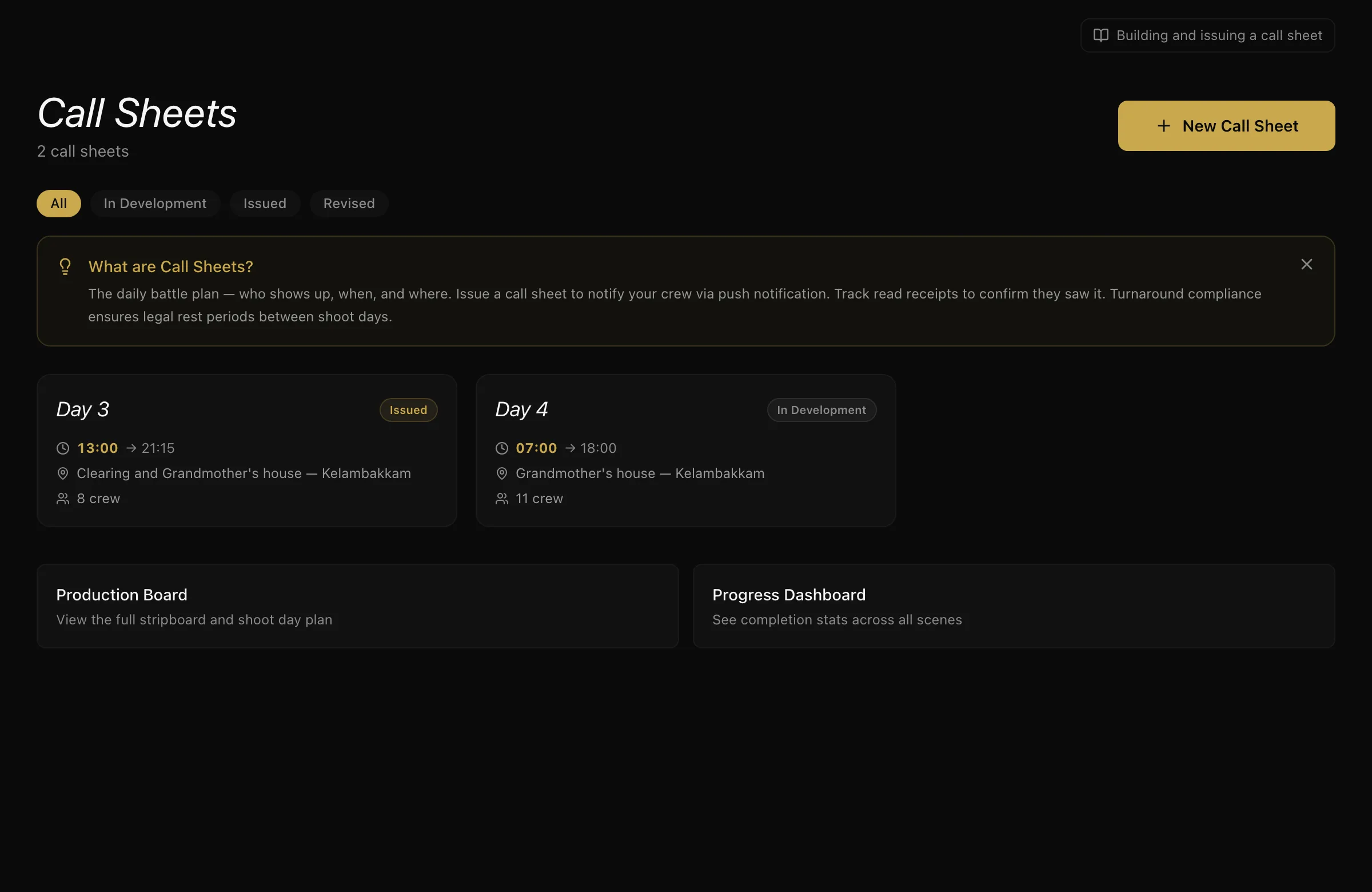
This is different from the crew shortlists also called Call Sheets elsewhere in ScenePaper. Those are lists of people you are considering. This is the daily document that goes out to the unit.
Building one
Create a call sheet for a shoot day and pull the crew in from the project roster in one click — only people booked that day. You fill in the rest:
- Call times — general, crew call, first shot, estimated wrap
- Location, address, and how to get there
- Nearest hospital — this is a safety field, not an optional one
- Weather, notes, and the next day's advance schedule
You can add people who are not on ScenePaper as guests, with a name and a phone number, so a sheet is never half-empty because someone has not signed up.
Draft, then issue
A call sheet is a draft until you issue it. Drafts are never shared and never appear on a public link — because a call time that is still being argued about should not be in anyone's hands.
Issuing is the deliberate step. When you issue, everyone on the sheet with a ScenePaper account is notified.
Who has actually seen it
After issuing you get read receipts: who opened it, and who acknowledged it. "I sent it" and "they have it" are not the same thing, and this is the difference between the two. You can ping app users who have not confirmed it.
Guests get their own link by WhatsApp or SMS, and their opens and confirmations are tracked too.
Revisions
When something moves, revise rather than reissue. A revision records exactly which fields changed, old value and new, so crew see that the call moved by thirty minutes instead of being handed a fresh PDF and told to spot the difference.
Turnaround
ScenePaper checks the rest period between the previous day's wrap and the next day's call, per person — each person's own call time, not just the general crew call, so a pre-call for camera is judged on its own clock.
- Under 10 hours raises a warning
- Under 8 hours is flagged as a block
You can override with a recorded reason. The override is logged.
Sharing
You can mint a public link for a sheet, for crew who are not on the platform. It shows the sheet without phone numbers or internal remarks. Revoking the link is permanent — a new one has to be minted.
What to do next
Once you are shooting, log dailies, takes and continuity.
More in Running a Production
Didn't answer your question? Contact support.