Starting a script
Fifteen templates, importing what you already have, and what the parser reads.
Open a project and go to Writers' Room. A project can hold more than one script — a feature and its short, or two competing drafts.
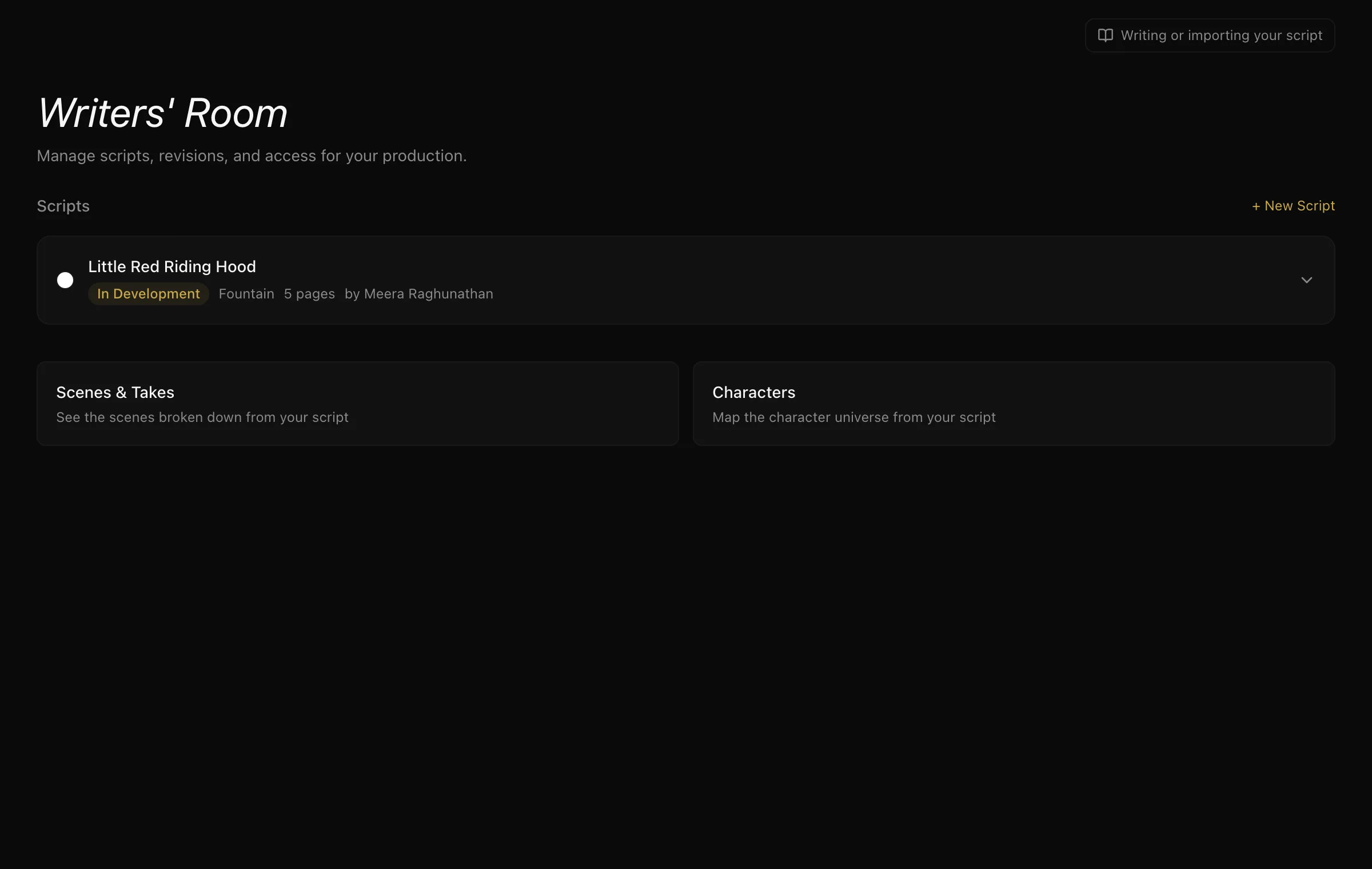
Three ways in
From a template. Fifteen of them, and they are not all features: Short Film, Feature Film, Proof of Concept, YouTube Video, YouTube Short, Instagram Reel, TikTok, Podcast, Brand Content, Corporate Video, Wedding Film, Course / Tutorial, Music Video, Web Series, Documentary.
A template is not a straitjacket — it is a correctly-formatted skeleton with the section headings a piece of that kind usually needs, so you start by writing rather than by remembering what goes where.
From a file. Drop in a Fountain (.fountain), Final Draft (.fdx) or PDF file. The format is detected from the file; you do not have to say which it is.
From nothing. Give it a title and start typing.
What happens the moment it lands
Whichever way it arrives, ScenePaper reads the script immediately and pulls out:
- Scenes — heading, interior or exterior, location, time of day, and the page range each one occupies.
- Characters — every name that speaks, with how many scenes they are in and how many lines and words they have.
- Who is in what — the character-to-scene map, so you can ask "which scenes is she in" and get an answer.
- A page count, from a real paginator that measures how the text wraps on a screenplay page rather than counting lines in your file.
That extraction is why the rest of the product works. The scene board, the stripboard, the Day Out of Days grid and every call sheet ultimately trace back to it — see breaking down your script.
A note on PDFs
A PDF is text pulled out of a printed document, so how cleanly it reads depends on how it was made. A PDF exported from screenwriting software usually comes through well. A scan will not — there is no text in it to read.
If you have the choice, Fountain or Final Draft will always give a better result than a PDF of the same script.
Getting it back out
The editor exports to Final Draft (.fdx), so a script written here opens in the software the rest of the industry uses. The round trip works in both directions.
Next: writing in the editor.
More in Telling the Story
Didn't answer your question? Contact support.