Breaking down your script
Tagging what each scene needs, and why everything after depends on it.
A breakdown goes through the script scene by scene and records what each scene needs to be shot.
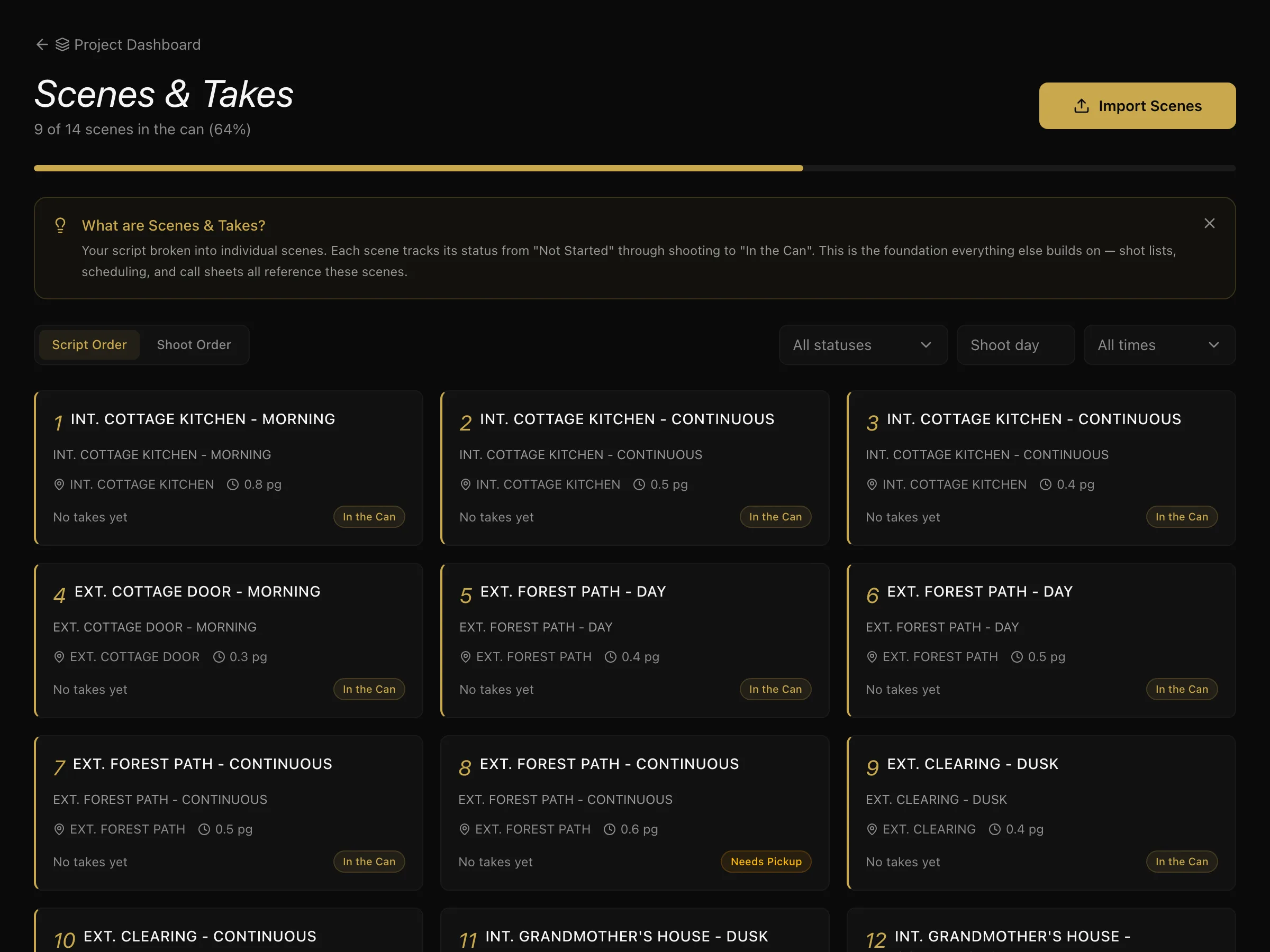
This is the step most people want to skip, and it is the one everything after it reads from. A scheduled day knows which actors it needs because the scenes in it were tagged. Skip the breakdown and every later stage goes back to being manual.
Tagging a scene
Select a strip on the stripboard and tag its elements. There are ten categories:
- Cast — who appears
- Prop — anything handled
- Wardrobe — costume requirements
- Vehicle
- Location
- Stunt
- SFX — practical effects on the day
- VFX — anything to be added later
- Animal
- Greenery
Tag the same element in every scene it appears in. That repetition is the point: it is how the schedule knows that three scenes share a location, or that an actor is needed on days four, nine and eleven.
What the breakdown produces
Once scenes are tagged, you get:
- Element lists — every prop, costume and location, per scene. The Elements tab on the Production Board turns that around: each element once, with every scene and shoot day that needs it — the list a props master or costume supervisor actually works from. Names are matched ignoring capitals, never guessed: "Scooter" and "Red scooter" stay two things.
- A schedulable script — scenes can be grouped by what they share.
- Accurate day counts — because scene lengths are measured in eighths.
How much to tag
Tag what affects who or what has to be somewhere on a given day. A scene that mentions a newspaper in passing does not need the newspaper tagged unless the art department has to supply one.
The test: would someone have to bring this, be this, or build this? If yes, tag it.
What to do next
With scenes tagged, move to scheduling and the stripboard.
Scenes can also start life in the Story Room and be promoted here — see from story to script.
More in Running a Production
Didn't answer your question? Contact support.