Casting your characters
Linking real people to the characters in the script.
Casting connects a character in your script to an actual person.
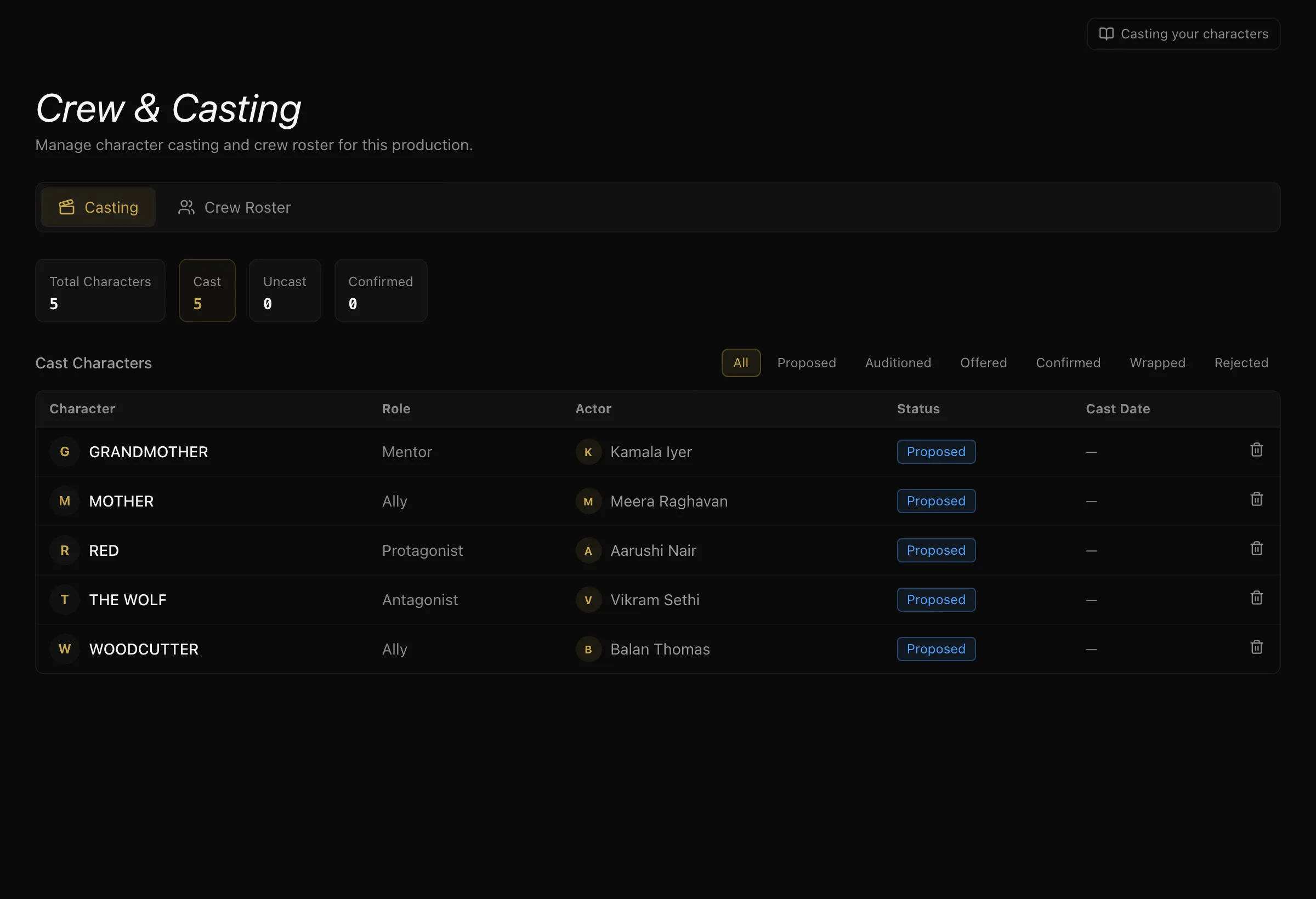

The script gives you characters. Hiring gives you people. Casting is the link between them, and it is what lets the rest of the project talk about a role and a person as the same thing.
Casting a role
Pick a character, pick the actor, and set where they are in the process:
- Proposed — a name in the frame
- Auditioned — they have read
- Offered — a formal offer is out
- Confirmed — they are in
- Rejected — not proceeding
- Wrapped — finished on the production
One actor per character per project. Re-casting a character replaces the previous link rather than creating a second one.
Why it is worth doing properly
Once a character is cast:
- The actor can see their own scenes and their own shots, filtered to the characters they play — not the whole script.
- When a call sheet is filled from the roster, a confirmed actor is listed under their character rather than a crew role.
Rejected castings are hidden from the actor. Someone who did not get the part never sees the project in their own views.
Auditions
If you are running auditions, a submission can carry scheduled rounds — self-tape, in person, or virtual — with scoring from more than one reviewer. Crew see what is scheduled and what is required under My Auditions.
What to do next
With people attached to days, build daily call sheets.
The characters themselves — wants, fears, relationships — live in the Character Bible, and from story to script explains how the two halves are linked.
More in Running a Production
Didn't answer your question? Contact support.