Creating a project
The four steps of the New Project wizard, and what each answer actually changes.
Everything a production does on ScenePaper hangs off a project. The script, the breakdown, the schedule, the crew, the budget and the call sheets all live inside one, so creating it is the first thing you do and it takes about a minute.
If you would rather look before you build, your workspace already has a sample production on it — a four-day short, mid-shoot, with all of the above already filled in. Open it, take it apart, and delete it when you are ready.
Where to start
Open Projects from the sidebar. This is the Slate: every production you run, grouped by the stage it is in. The sample is marked Sample so you never mistake it for your own work.
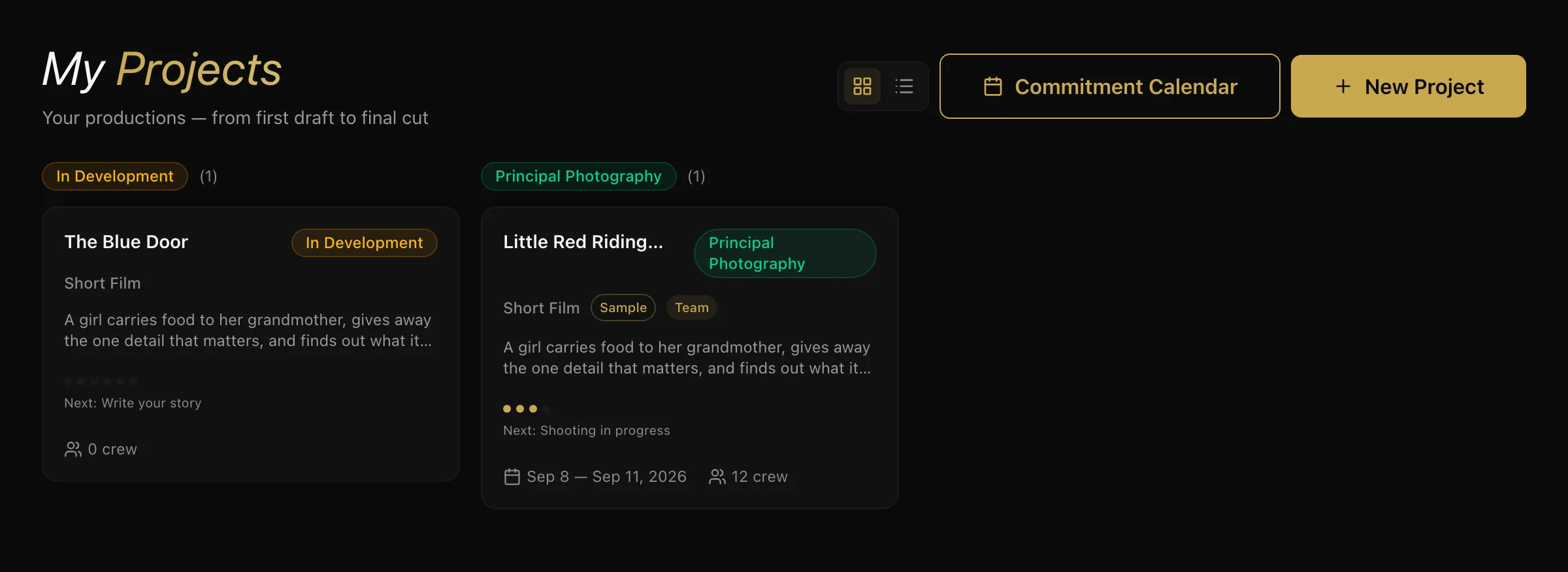
Click New Project.
Step 1 — Details
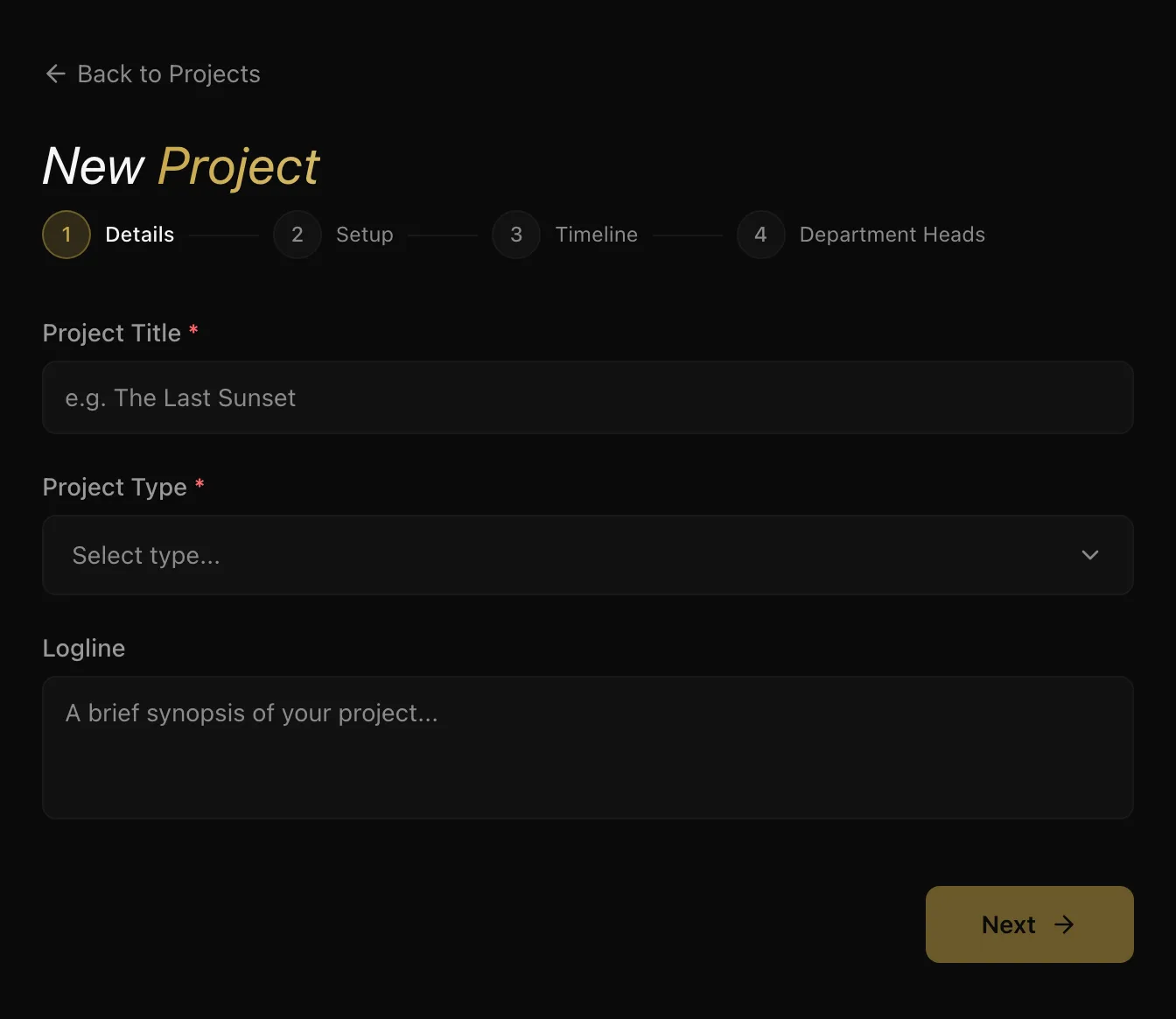
Only two things are required here.
- Project title — what the production is called. You can change it later.
- Project type — feature, short, documentary, series, commercial and so on. It sets the vocabulary the rest of the project uses.
- Logline — one or two sentences. Optional, but it is what appears on the project card on the Slate and is the fastest way for anyone else on the team to tell two productions apart.
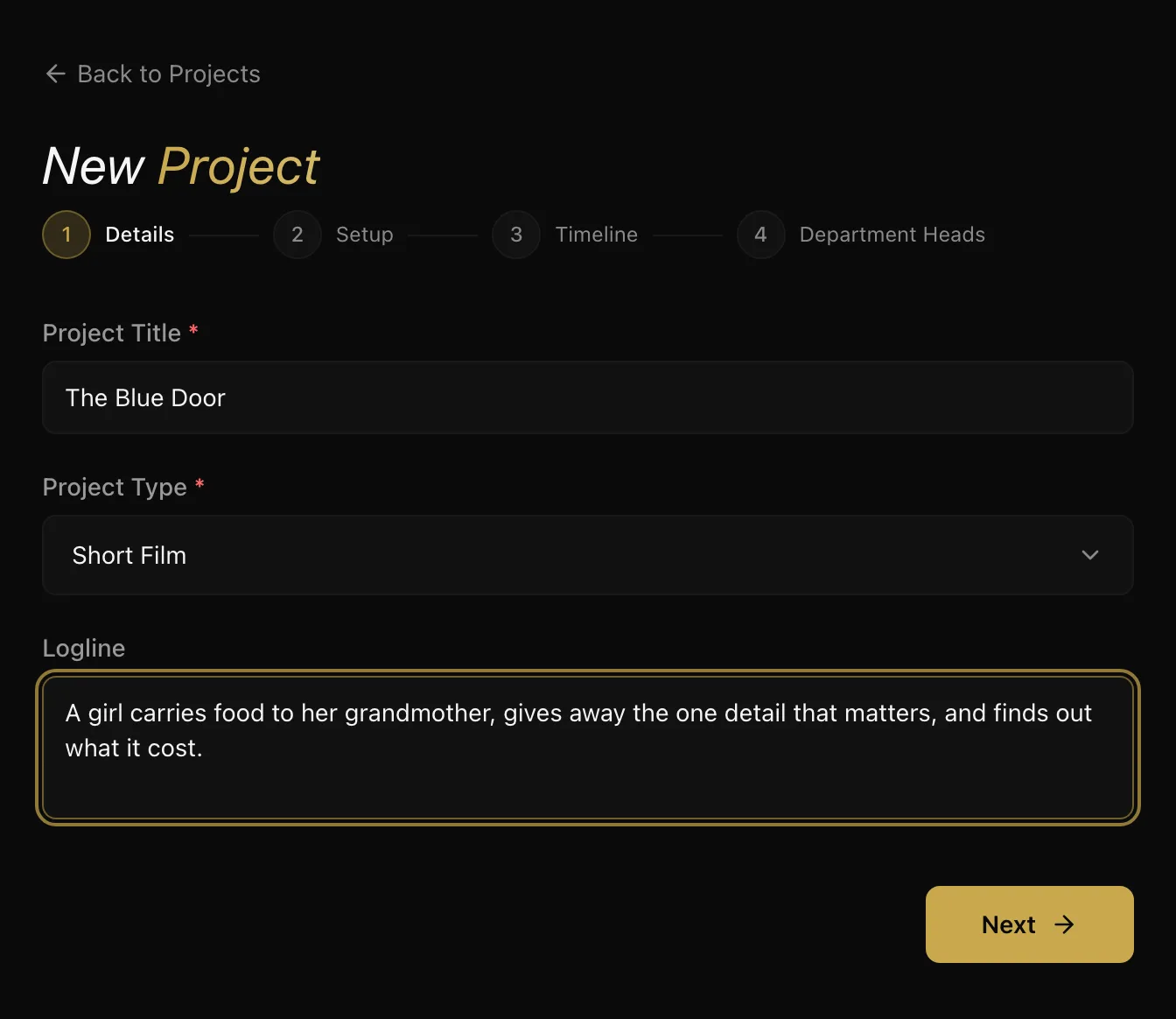
Next stays greyed out until the title and type are both set.
Step 2 — Setup
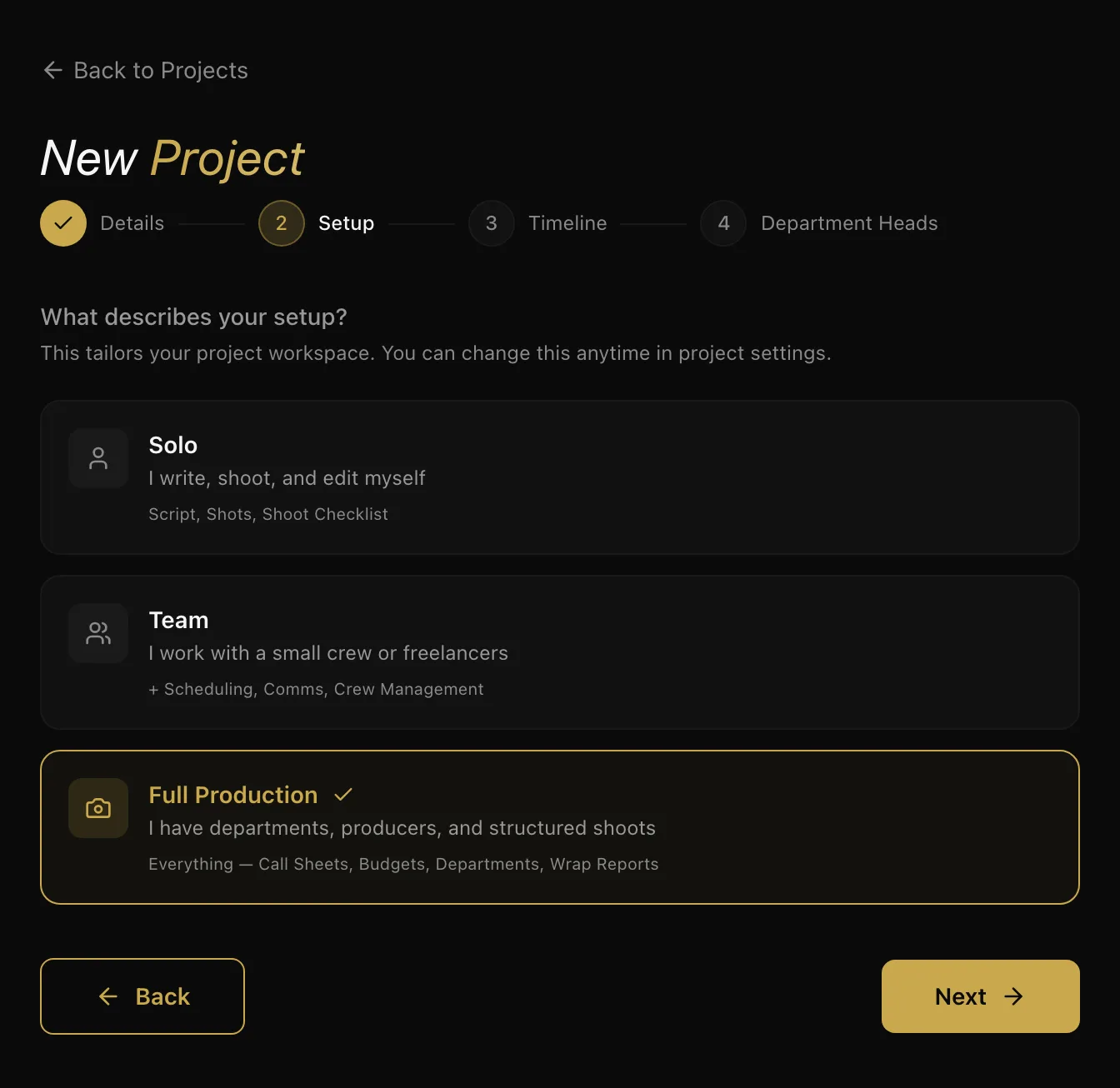
This is the question worth reading properly, because it decides how much of ScenePaper this project puts in front of you.
- Solo — you write, shoot and edit yourself. Script, shots and a shoot checklist. Nothing else clutters the view.
- Team — a small crew or freelancers. Adds scheduling, Comms and crew management.
- Full Production — departments, producers, structured shoot days. Everything, including call sheets, budgets and wrap reports.
Nothing is locked. Choosing Solo does not prevent you adding a crew later — it just stops an empty budget and an empty call sheet list from sitting on your dashboard on day one. You can change it any time — press Edit on the project page.
Step 3 — Timeline
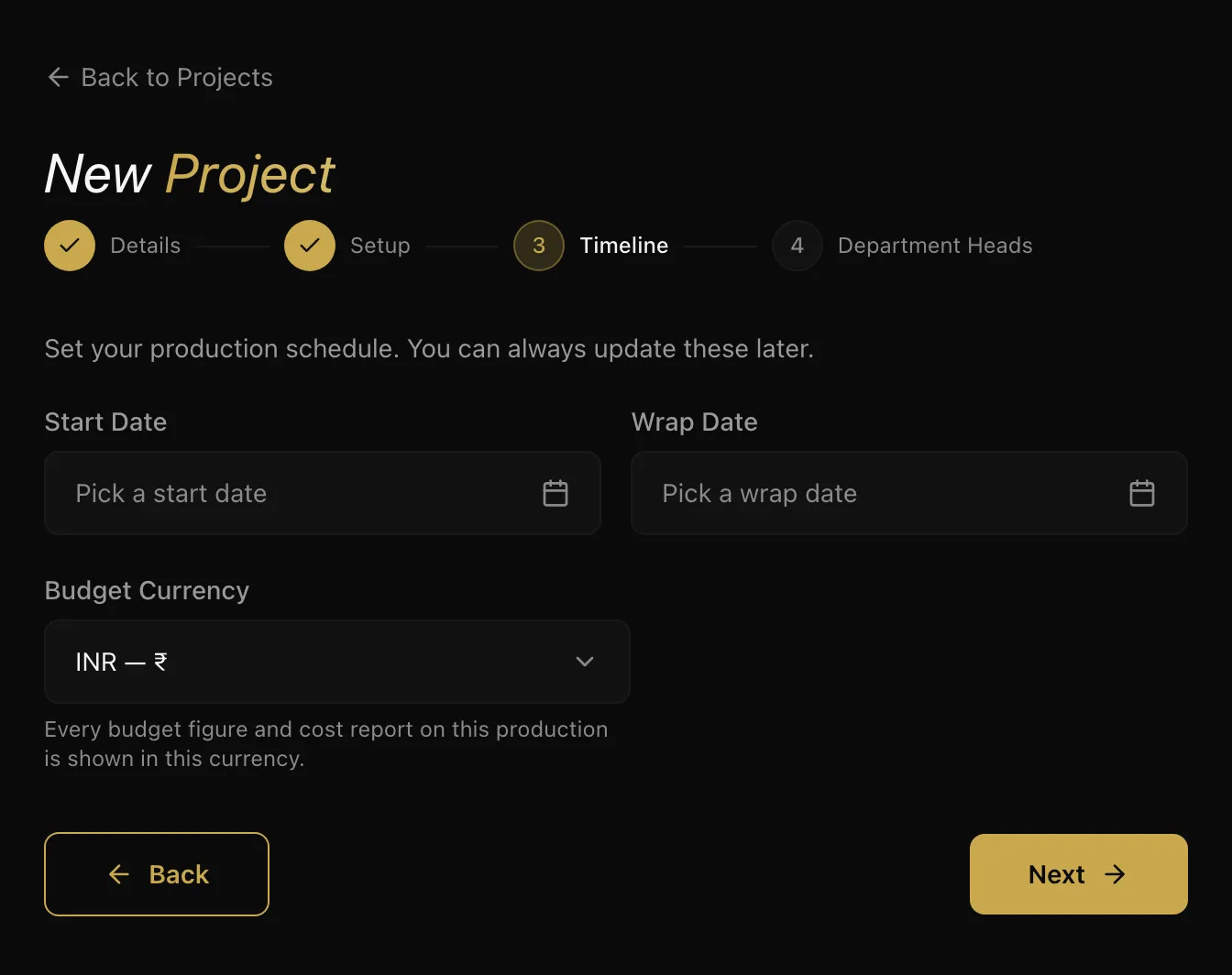
Start and wrap dates are optional and easy to change — set them if you know them, skip them if you do not.
Budget currency deserves more care. Every budget figure and cost report on this production is shown in it, so a project whose lines are entered in one currency and read in another produces totals that mean nothing. Set it to the currency you will actually be paying people in.
Step 4 — Department heads
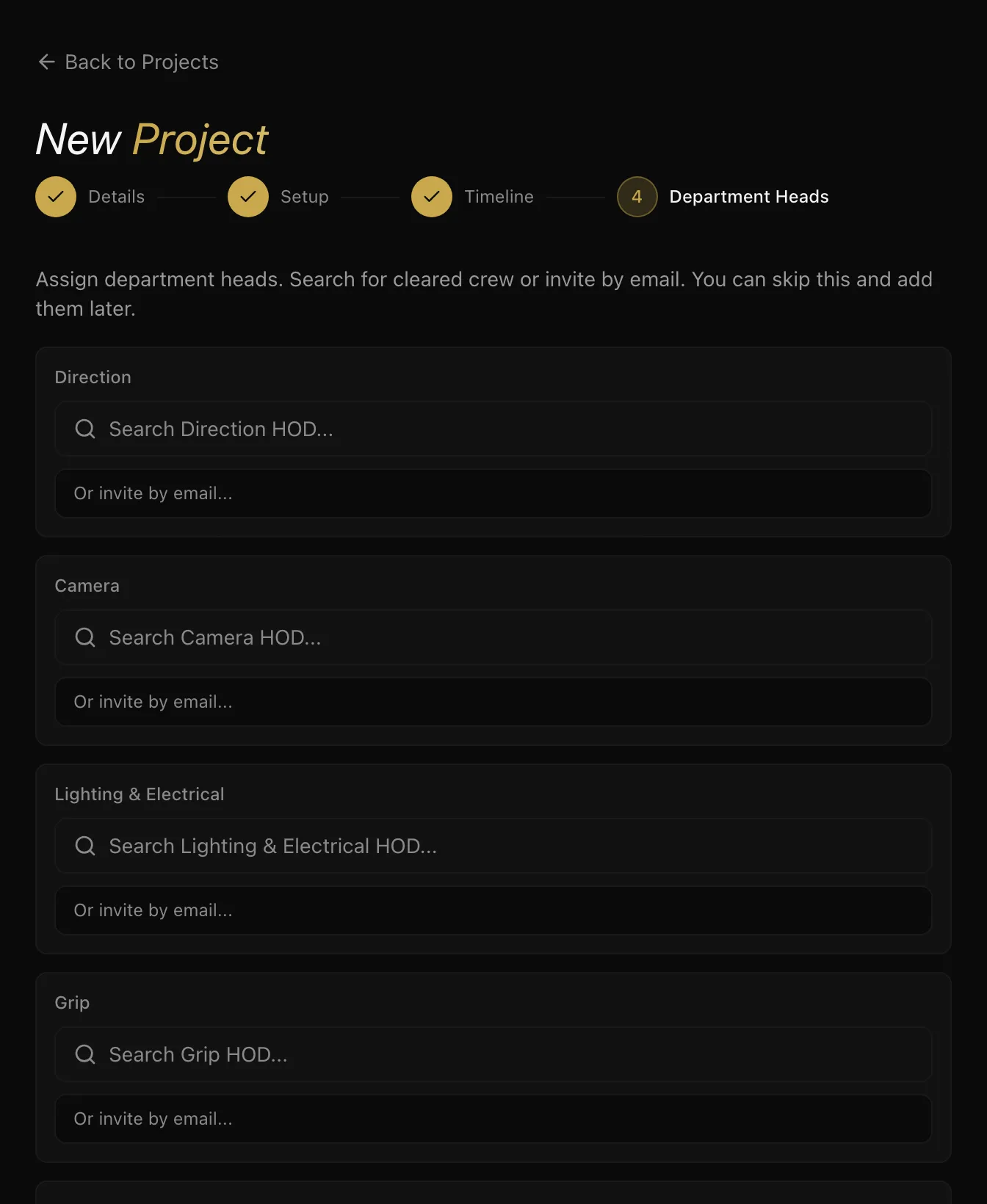
Optional, and most people skip it on a first project. If you already know who is running camera or art, search for them here — or invite them by email if they are not on ScenePaper yet. Otherwise leave it empty and assign heads from the project page once you have hired.
That's a take
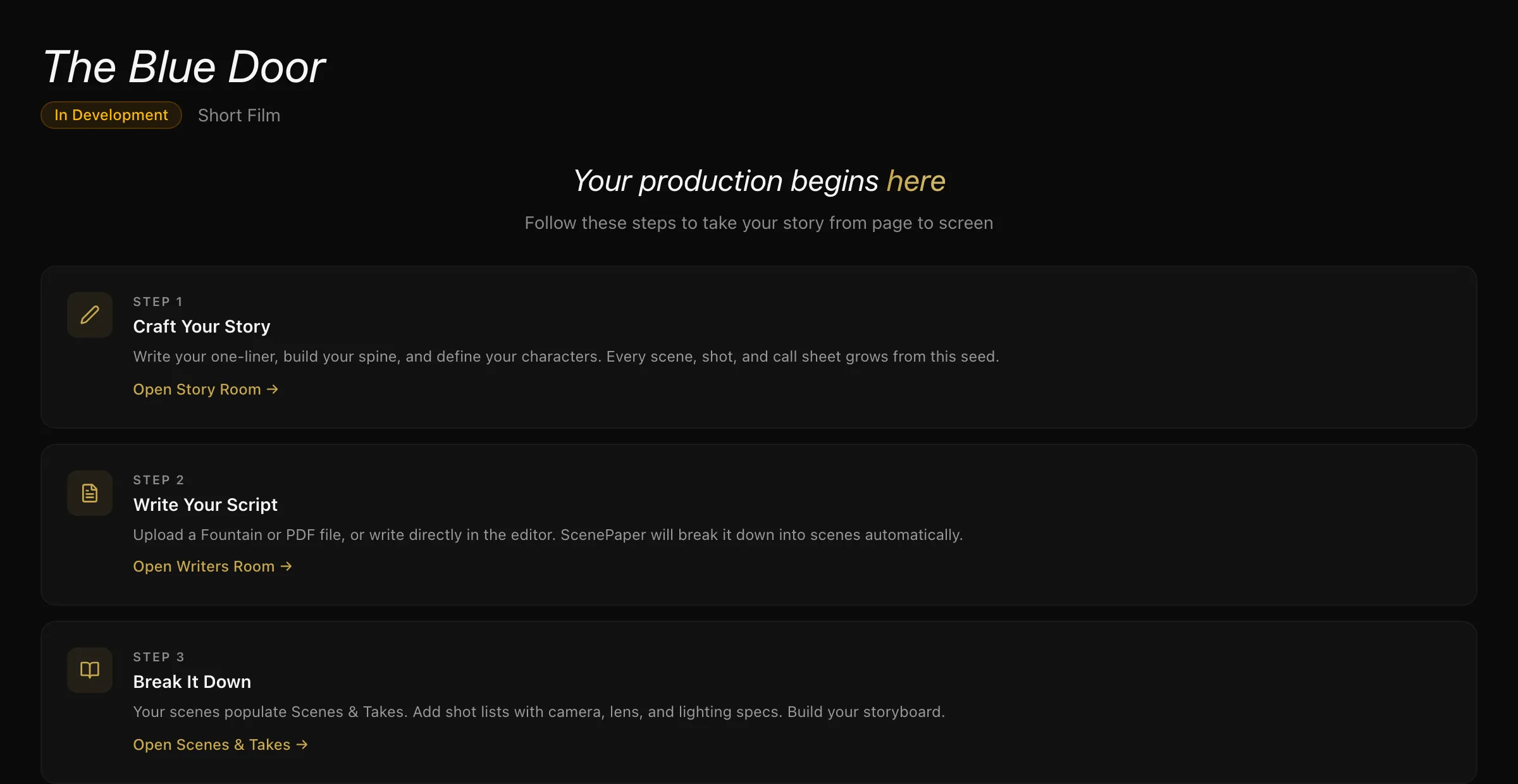
The project opens on a short list of what to do next, in the order the stages actually feed each other: write the script, break it down, schedule it, call the crew. New projects start In Development and move through the stages one at a time as the work does.
You do not have to follow it in order — but each stage reads what the one before it produced, so working forwards means never typing the same thing twice.
Next: How a project works, end to end — what each stage does and how it feeds the next.
More in Running a Production
Didn't answer your question? Contact support.